
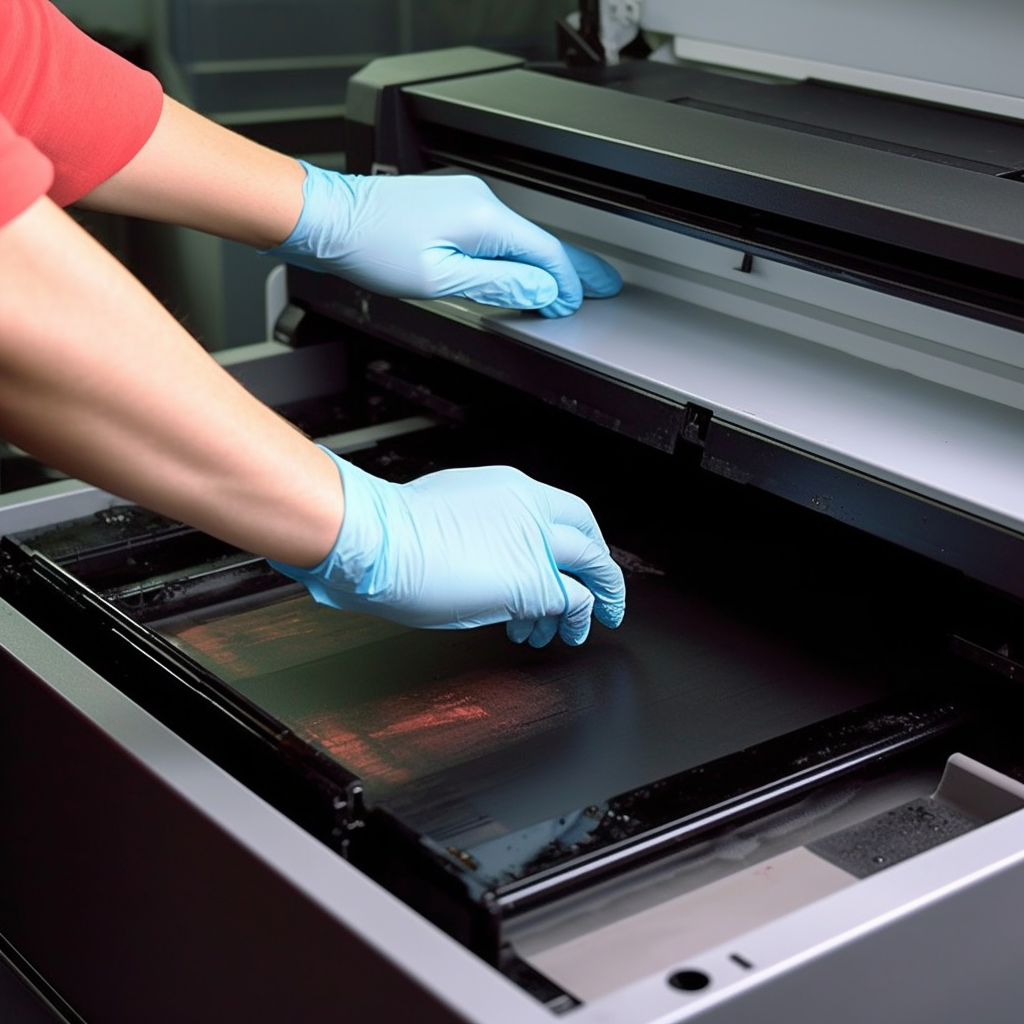
- Clean the printer exterior:
- Regularly clean the printer’s exterior using a soft cloth or an electrostatic cloth to remove dust and dirt. Ensure that the cloth is dry to avoid leaving watermarks or damaging the printer.
- Pay attention to cleaning the intake and output trays to remove paper scraps, dust, or debris. Use a soft brush or an air canister to carefully remove any accumulated impurities, ensuring smooth paper feeding and output.
- Clean the print head and nozzles:
- For inkjet printers, clean the print head and nozzles as needed using a recommended cleaning solution or cleaning paper provided by the printer manufacturer.
- Follow the instructions provided to perform the cleaning process, avoiding the use of sharp objects or applying excessive pressure to clean the print head.
- Regularly replace consumables:
- Replace ink cartridges, toner cartridges, or ribbons based on printer usage and consumable lifespan.
- Use genuine or certified consumables that are suitable for your specific printer model and brand to ensure print quality and printer reliability.
- Adjust printer settings:
- Adjust printer settings based on different printing needs and paper types. Choose appropriate print quality, paper types, color modes, etc.
- Making necessary adjustments to the settings based on your specific requirements and the printer’s capabilities can improve print quality, save consumables, and enhance printing speed.
- Perform test prints regularly:
- Regularly perform test prints to ensure the printer is functioning properly and producing high-quality prints. Print test pages or sample images and observe the clarity and accuracy of images, text, and colors.
- If any issues are noticed, such as blurry text, color deviations, or missing lines, promptly adjust printer settings or perform necessary maintenance.
- Maintain the appropriate environmental conditions:
- Place the printer in a dry, well-ventilated, and stable environment, avoiding exposure to extreme temperatures, humidity, or dust.
- Follow the printer’s user manual instructions, avoiding direct sunlight or damp areas.
- Regularly clean the area around the printer to ensure proper air circulation and prevent blockages.
- Stay updated with printer firmware:
- Regularly check the official website of the printer manufacturer for available firmware updates.
- Firmware updates often include bug fixes, performance improvements, and new features, enhancing the printer’s stability and functionality.
- Follow the manufacturer’s instructions for firmware updates to ensure proper installation and update of the printer firmware.
- Avoid long periods of inactivity:
- Extended periods of printer inactivity can result in ink or toner drying, affecting print quality.
- If the printer is not used frequently, perform regular prints or utilize the printer’s self-check function to keep the printheads clear.
- Regular maintenance and servicing:
- Perform regular maintenance and servicing as recommended by the printer manufacturer. This may include cleaning, calibration, printhead alignment, and lubrication procedures.
- Follow the provided guidelines and recommendations to ensure proper operation and extend the printer’s lifespan.
By regularly performing these daily printer maintenance tasks, you can keep your printer in good working condition, enhance print quality, and prolong the printer’s lifespan.