
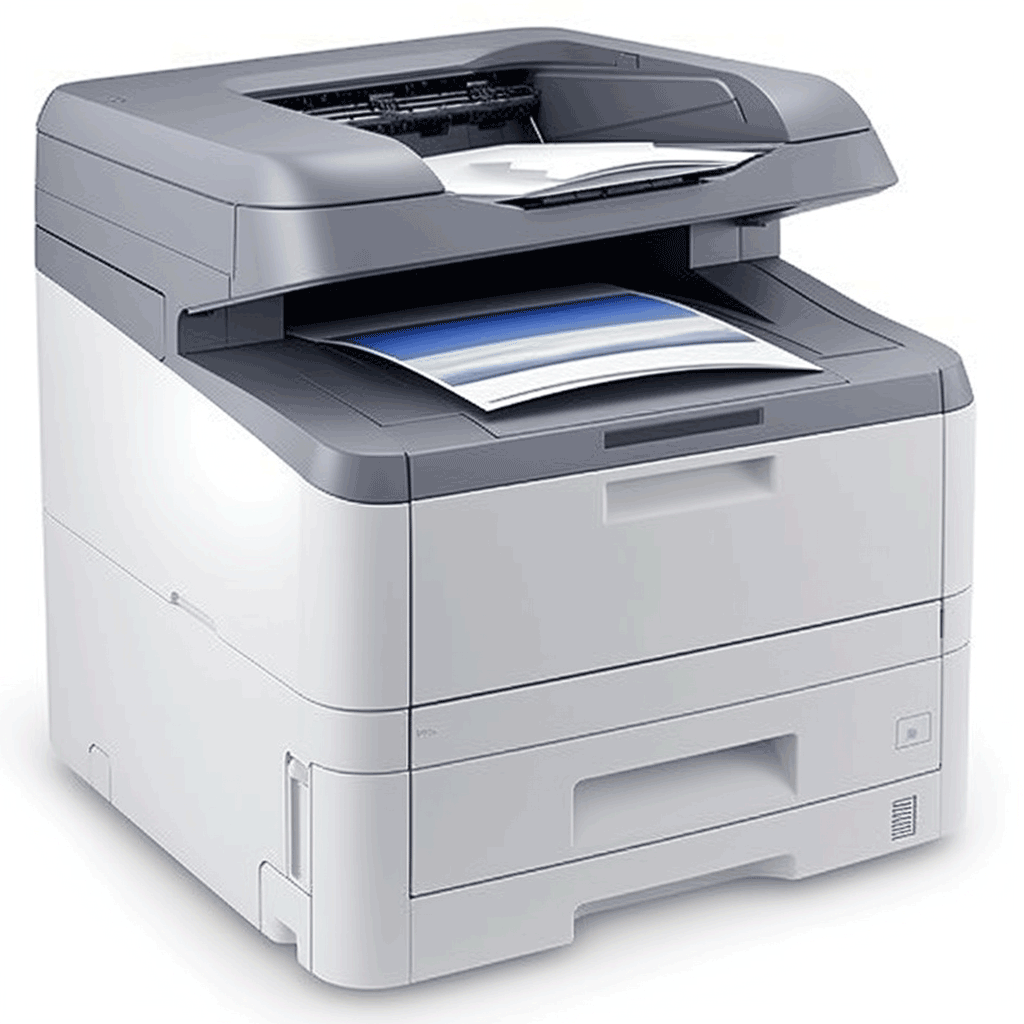
Printing checks using laser printers has become a common practice in both business and financial areas. Laser checks have many advantages, such as increased efficiency, reducing errors, and easy recording and tracking. If you want to know how to use a laser printer to print checks, this article will provide you with some simple steps and precautions.
Here are the basic steps for printing the laser checks:
Buy check paper: First, make sure to buy check paper that meets the requirements of a financial institution in your area. Check paper usually has special security features, such as anti-counterfeiting background patterns and fluorescent inks. You can purchase check paper from an office supply store, online provider or direct contact with the bank.
Install the printer and software: Connect the laser printer to the computer and ensure that software compatible with check printing is installed. Some financial institutions offer specialized check printing software that you can download and install from their official website.
Enter check Information: Open the check printing software and enter information about the check to print, such as the payee’s name, amount, date, etc. Make sure to check the entered information carefully to minimize errors.
Preview and adjust print settings: Preview the appearance and layout of a check before you print it. Ensure the check information is displayed correctly and adjust the print settings as needed, such as font size, location, etc.
Print the check: When everything is ready, click the print button to send the check to the laser printer for printing. Ensure that the check paper is properly placed in the printer’s paper tray and follow the printer’s operating guidelines.
Review and security handling: After printing, carefully review the printed check. Check the accuracy of the amounts, dates, and other check information. If all is right, keep the checks safely to avoid unauthorized use.
In addition to the above steps, there are some important considerations:
Security: Checks contain financial information, so ensure security when printing and processing checks. Only allow authorized personnel with access to check printing equipment and software to prevent potential fraud.
Accuracy and consistency: Ensure that the check information is accurate and consistent with other relevant records. This helps avoid errors and confusion and ensure accounting accuracy.
Storage and recording: After printing the check, it is recommended to store it with the relevant records for tracking and reconciliation. This is very important for accounting management and auditing.
Follow the law and financial institution requirements: Different regions and financial institutions may have specific check printing requirements and regulations. Make sure that you understand and comply with applicable laws and institutional requirements to avoid any violations.
Update Software and Security Patches: Regularly update the check printing software and ensure that the latest security patches and updates are installed to protect the system from potential security vulnerabilities.
Printing laser checks can bring convenience and efficiency to both commercial and financial operations. Follow the correct steps and precautions to ensure the accuracy and safety of the input, to ensure that the printed check meets the financial requirements, and to provide a reliable record and tracking for accounting management.