
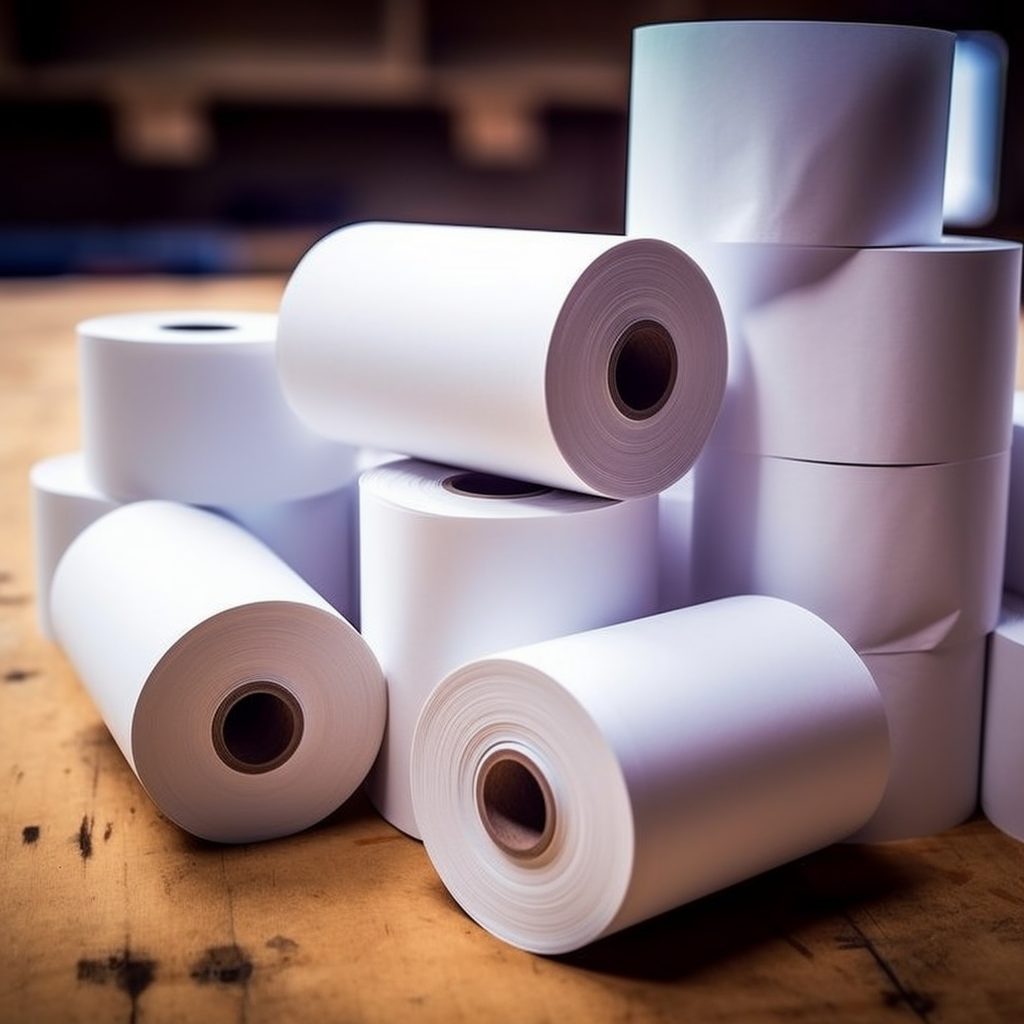
Thermal paper is a special printing material that is usually used with a thermal printer. However, sometimes you may wish to use a laser printer to print on a thermal paper. Although thermal paper is not specifically designed for laser printing, you can try to print thermal paper on a laser printer with the following steps:
Select the applicable thermal paper: Make sure that your selected thermal paper is suitable for the laser printer. Although not all thermal papers are compatible with laser printers, some specially designed thermal papers may have properties suitable for laser printing. Consult paper suppliers or manufacturers to see if they offer thermal paper options for laser printers.
Adjust the print settings: In the print settings, select the appropriate paper type as thermal paper. If you cannot find the thermal paper option, select the closest paper type. Ensure that the correct paper size and direction are selected to ensure printing accuracy and completeness.
Insert the thermal paper: properly insert the thermal paper into the carton or paper feed channel of the laser printer. Ensure the paper is aligned and avoid bending or folding. Adjust the paper alignment or loading mode according to the requirements of the printer.
Printing: Click the print button on the computer or start printing with the relevant options on the printer panel. Depending on the size and complexity of the document, the printing process may take some time.
Wait for printing: Once the printing task is completed, wait for the thermal paper to completely dry. Printed information on thermal paper usually becomes visible in a short time, but make sure they are completely dry to avoid blur or fading.
Please note that printing thermal paper with a laser printer may cause the following problems:
The declining print quality: The printing technology of laser printers does not exactly match the characteristics of the thermal paper, so the printing quality may not be as clear and durable as using a thermal printer. Print results may be blurred, uneven, or faded.
Durability issues: Thermal paper usually generates heat energy during the printing process to display the printed content. The thermal paper used by laser printers may not withstand the high temperature generated by the laser printer, causing the printing information to easily fade or damage.
Despite these problems, if you still want to try to print thermal paper on a laser printer, you can take the following steps to improve the printing results:
Adjust the printer settings: In the printer settings, select the lower print quality and lower print speed. This may help to reduce the thermal impact of the thermal paper when printing and improve the printing quality.
Test and adjustment: Do some test printing before the actual printing task, observe the printing quality and adjust it as needed. Try different print settings and paper options to find the best print effect.
Looking for alternatives: If you often need to print it on thermal paper, consider buying a dedicated thermal printer. This ensures better printing quality and durability, fully compatible with thermal paper.
It should be noted that before using a laser printer to print thermal paper, it is best to consult the printer manufacturer or paper supplier for advice to see if there are thermal paper options for laser printers.
In summary, printing thermal paper using laser printers may face some challenges, including issues regarding printing quality and durability. If satisfactory results are not obtained, it is recommended to consider using a dedicated thermal printer for better printing results.