
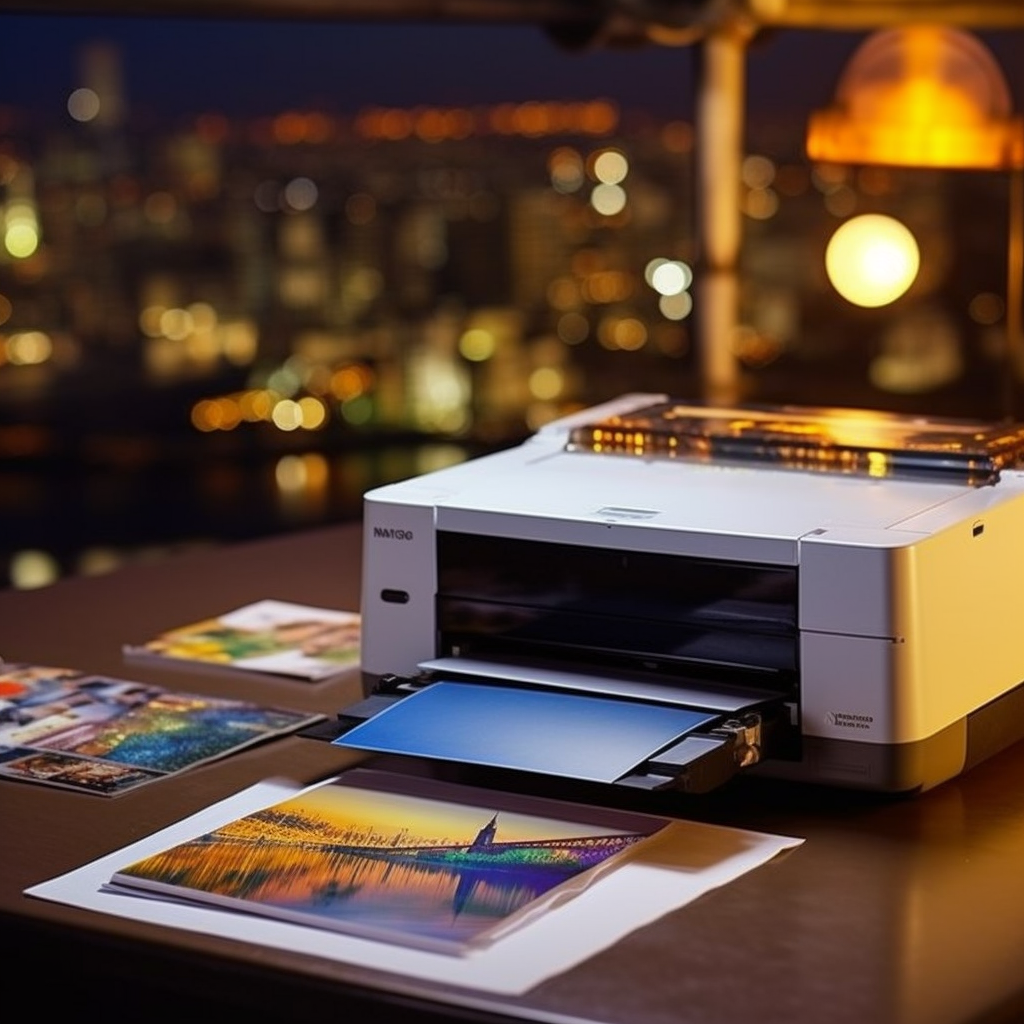
To maintain color balance in printed images, you can consider the following methods:
- Use calibrated color profiles: Ensure that the printer, computer, and image editing software are using the same calibrated color profiles. These profiles help ensure consistent color representation across different devices. Use professional color calibration tools or software to calibrate the printer and monitor, ensuring they are working according to accurate color standards.
- Adjust color settings: Before printing, you can adjust color settings through print settings or print drivers. Some print drivers offer options to adjust color saturation, brightness, contrast, and tone. By conducting test prints and gradually adjusting these settings, you can find the color balance that best suits the printed image.
- Use high-quality print media: Select high-quality print media that is suitable for your printing needs, such as professional-grade photo paper or media recommended by the printer manufacturer. Different print media have varying color characteristics and color reproduction. Choosing media that suits your needs can help achieve more accurate color balance.
- Correct image calibration: Before printing, perform image calibration to ensure color balance. You can use image editing software like Photoshop to make adjustments, including color correction, white balance, exposure, and contrast. By calibrating the image, you can correct any color deviations and achieve color representation closer to the original image.
- Regularly calibrate the printer: Perform regular calibration and maintenance of the printer to ensure its optimal performance. Printer color performance may change over time and usage, so regular calibration helps maintain consistent color representation.
Remember that different printers, inks, and print media may have different color characteristics. Therefore, adjustments and testing should be done based on the specific equipment and requirements to achieve the best color balance and accurate print results.