
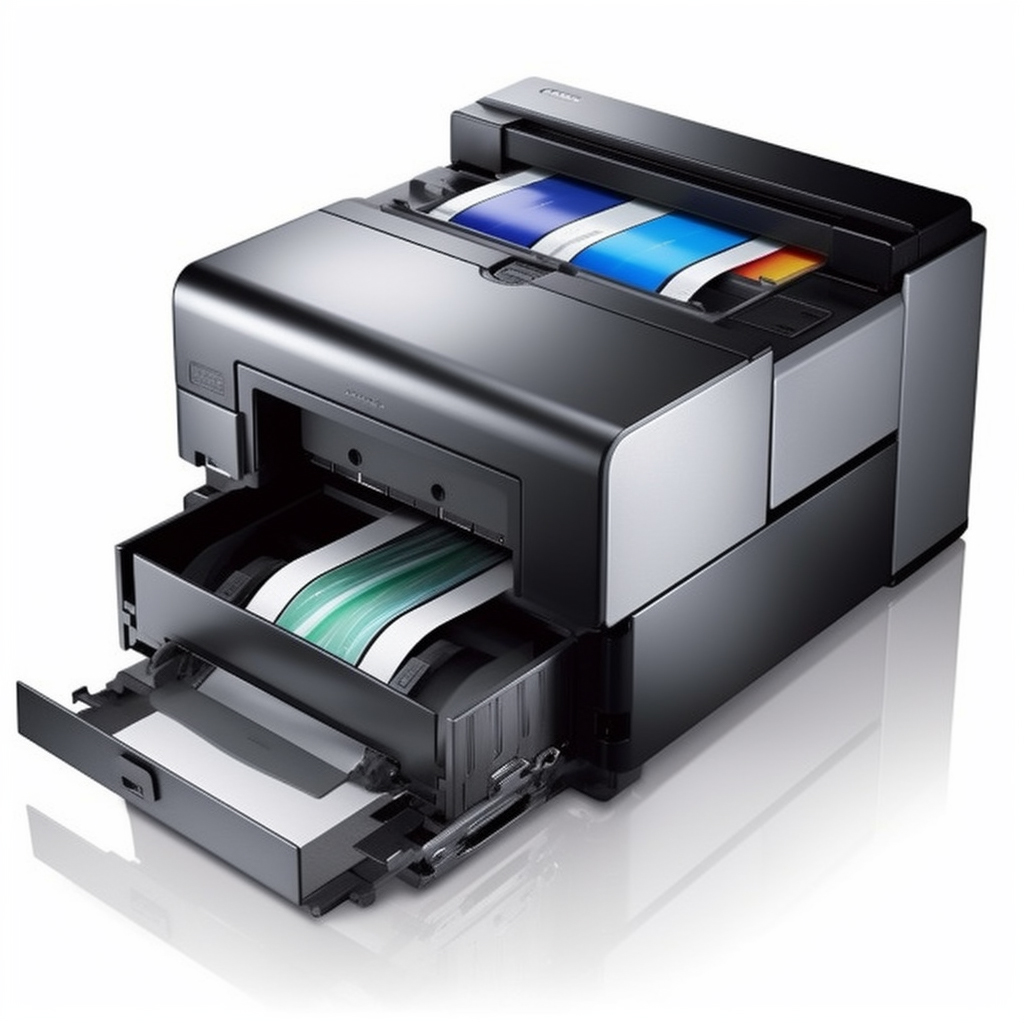
Installing the Fargo SmartLoad ribbon cartridge requires a few simple steps that can be done in no time. The SmartLoad ribbon cartridge is specially designed to work with Fargo printers, providing excellent print quality, and reducing the time spent on replacing the ribbon. In this blog post, we’ll take you through the process of installing your Fargo SmartLoad ribbon cartridge.
Step 1: Open the Printer
The first step is to open the printer. Locate the front cover of your Fargo printer and open it. The front cover provides access to the cartridge area, where you can insert the SmartLoad ribbon cartridge.
Step 2: Remove the Old Ribbon
If you have an old ribbon cartridge, remove it from the printer. Take note of how it is installed so that you can install the new cartridge correctly. To remove the old ribbon cartridge, push the cartridge up from both sides, then towards you. It will come out of the printer.
Step 3: Insert the SmartLoad Ribbon
Now it’s time to insert the SmartLoad ribbon cartridge. It should be inserted in the same way that the old cartridge was removed. Slide the cartridge into the printer and ensure that it is fully seated.
Step 4: Close the Printer
Once the SmartLoad ribbon cartridge is installed, close the printer. The printer will detect the new cartridge automatically and will prepare it for printing.
Step 5: Begin Printing
You’re now ready to begin printing. The SmartLoad ribbon cartridge provides excellent print quality and is easy to replace, taking only a few seconds. Enjoy the convenience of using the SmartLoad ribbon cartridge in your Fargo printer.
In conclusion, the Fargo SmartLoad ribbon cartridge is an easy-to-install and convenient solution for your Fargo printer’s ribbon needs. With just a few simple steps, you can replace your old ribbon cartridge with the new SmartLoad cartridge and start printing with improved quality. We hope this guide helps you install your SmartLoad ribbon cartridge easily and quickly.