
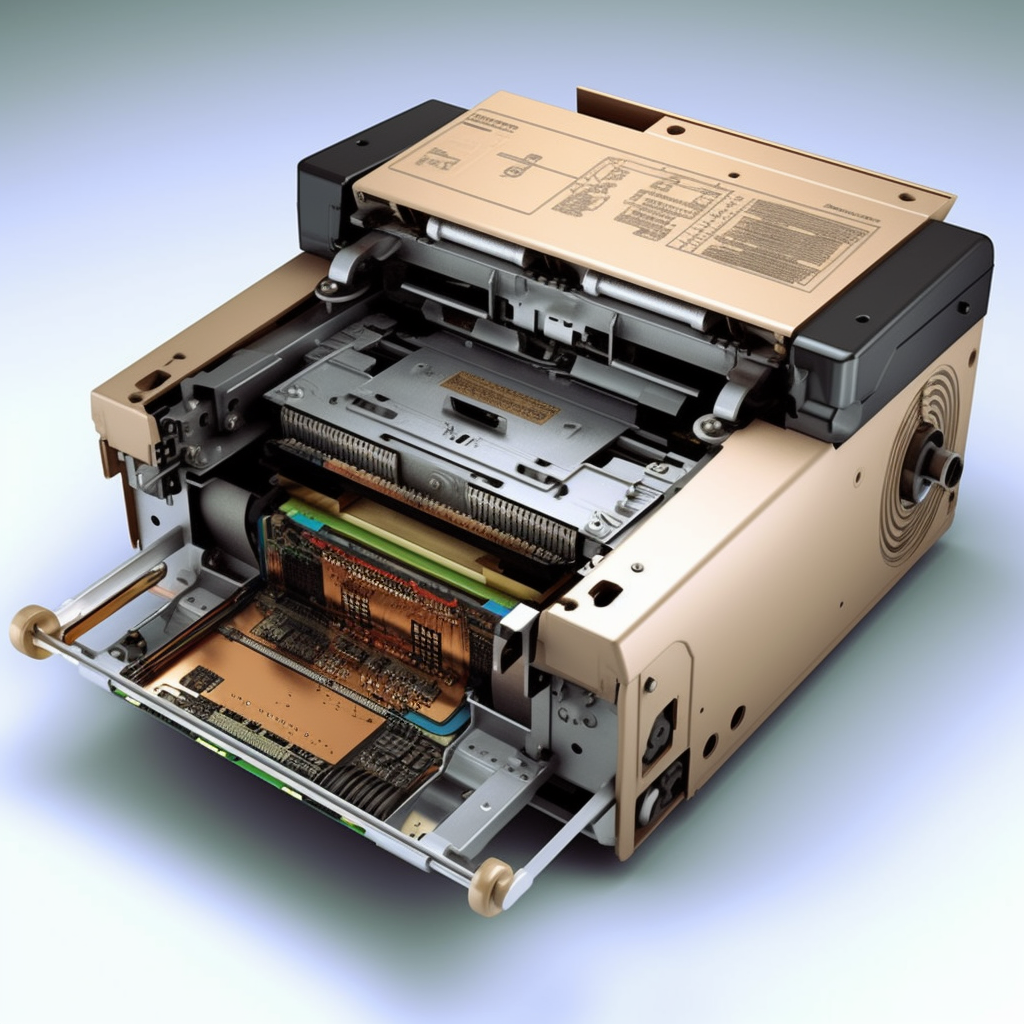
Laser printer is a common printing equipment in our daily life and work, which can complete the printing tasks at high speed and high quality. However, over time, laser printers may accumulate impurities such as dust, toner, and paper scraps, affecting the printing quality and machine performance. In this article, we will share some ways to clean laser printers to ensure their proper operation and print quality.
Turn off the printer and unplugged: Ensure the laser printer is completely turned off and plugged before performing any cleaning operation. This ensures your safety and prevents any accidents.
Clean the external surface: gently wipe the external surface of the laser printer using a soft microfiber cloth. Be careful not to use a corrosive detergent or wet cloth to avoid damage to the machine. Regular cleaning of the external surfaces can remove dust and dirt and keep the machine clean and tidy.
Clean the carton and feeding channel: open the laser printer carton and check for paper scraps or residual toner. Use a clean cloth or small brush to gently clean the carton and feeding passages to ensure they are not blocked or have impurities.
Clean up toner cartridges and toner collectors: Find the location of toner cartridges and toner collectors, depending on your printer model. Carefully remove the toner cartridge and gently wipe the inside of the toner cartridge and toner collector using a clean cloth or brush. Be sure not to touch the electronic components on the toner cartridge and put the cartridge and toner collector back correctly.
Clean the printer interior: Use the printer’s own cleaning function or cleaning page to clean the inside of the printer according to your printer model and user manual. These features can help clear the deposits from the inkjet heads or lasers and improve the printing quality.
Regular replacement of consumables: Regular replacement of printer toner cartridges or cartridges is an important step to maintain the printing quality. Change the consumables regularly according to the printer model and frequency of use, following the manufacturer’s recommendations. The use of expired or low quality toner may affect printing quality and machine life.
Follow the manufacturer’s guidelines: Most importantly, follow the cleaning and maintenance guidelines provided by the manufacturer. Different brands and models of laser printers may have specific cleaning methods and recommendations. Review the user manual or visit the manufacturer’s website for how to properly clean and maintain your laser printer.
In summary, regular cleaning of laser printers is the key to maintaining their normal operation and printing quality. Smooth operation and durability of laser printers are ensured by cleaning external surfaces, cartons and feeding passages, cleaning toner cartridges and toner collectors, and regular replacement of consumables. At the same time, follow the manufacturer’s guidelines and recommendations can protect the printer and extend its life. Remember that proper cleaning and maintenance will help you get a clear, high quality printout.