
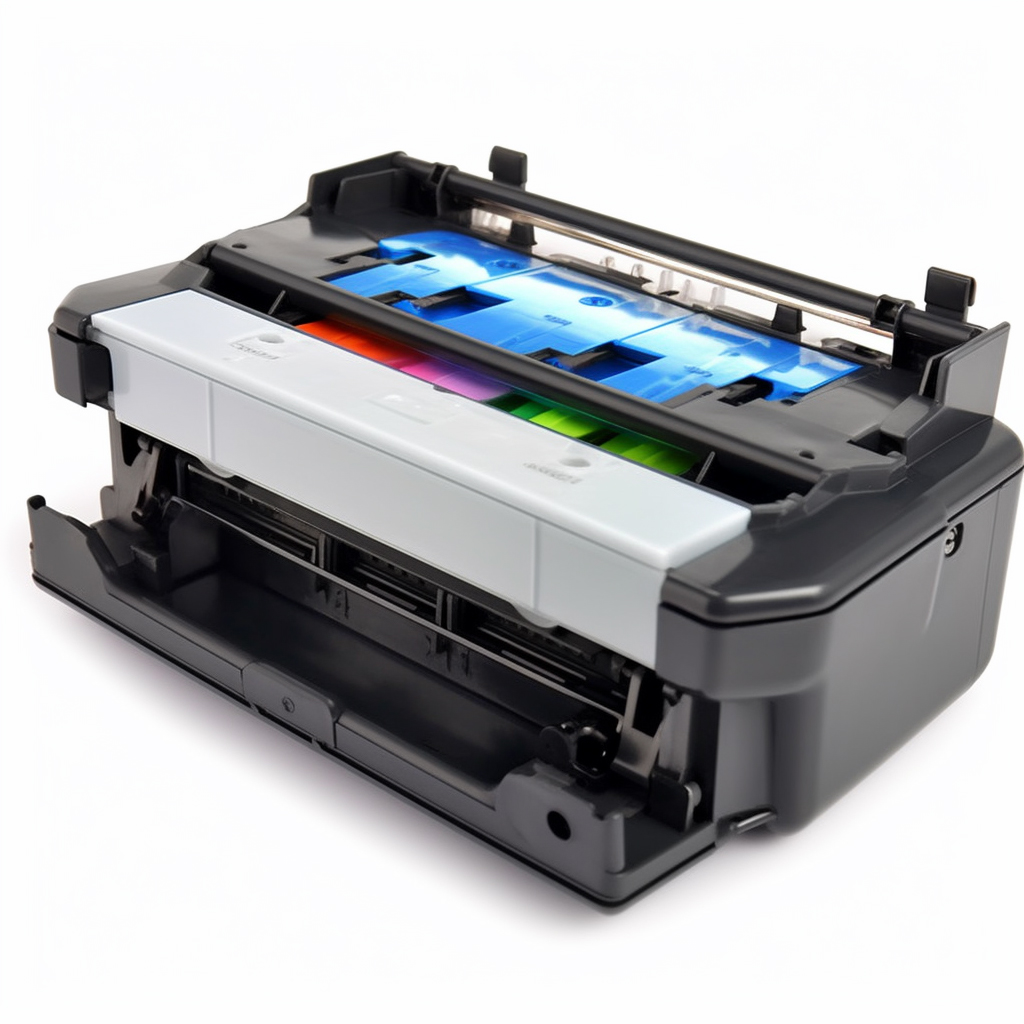
The Amano TCX-45 is a popular and reliable time clock used by many businesses to keep track of employee hours. One important maintenance task for this time clock is changing the ribbon cartridge. Here’s how to do it:
Step 1: Power off the time clock.
This is an important safety step to prevent any electrical mishaps while replacing the ribbon cartridge.
Step 2: Open the time clock cover.
Locate the latch or release button on the side or back of the time clock and press it to open the cover.
Step 3: Remove the old ribbon cartridge.
Grasp the ribbon cartridge by the plastic handles and gently pull it out of the time clock. Be careful not to touch the ribbon itself, as this can cause smudging or damage.
Step 4: Insert the new ribbon cartridge.
Take the new ribbon cartridge out of its packaging and insert it into the time clock in the same orientation as the old one. Be sure to align the ribbon with the print head.
Step 5: Close the time clock cover.
Gently press down on the cover until you hear a click or feel it latch into place.
Step 6: Power on the time clock.
Once the ribbon cartridge is securely in place, turn on the time clock and test it to make sure it’s working properly.
By following these simple steps, you can easily change the ribbon cartridge on your Amano TCX-45 time clock. Doing so regularly will help ensure accurate timekeeping and prevent any disruptions to your business operations.