
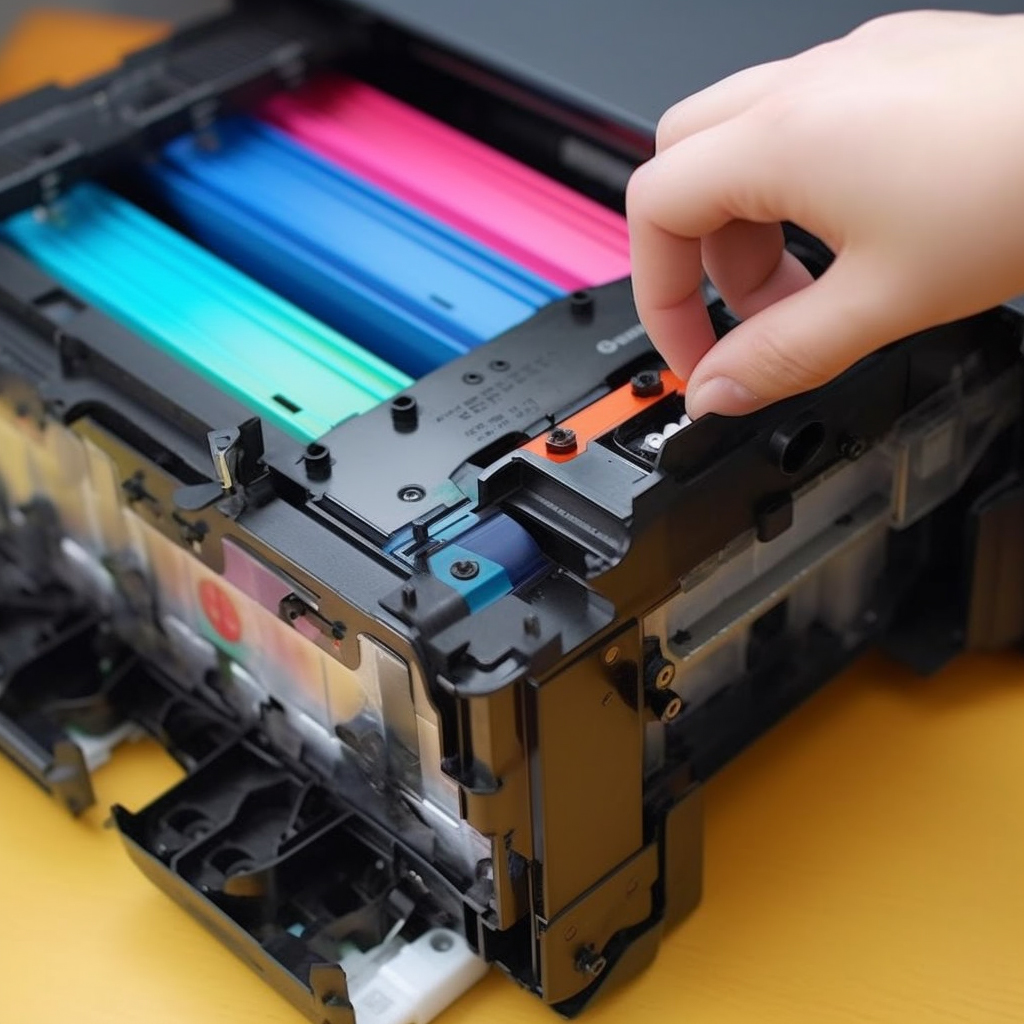
If you are using an ink belt printer, you may need to add ink from time to time to maintain the print quality. Here are some simple steps to teach you how to add ink to the printer ink cartridge.
Step 1: Preparation work
First, you need to prepare some necessary tools and materials, including inks, syringes, ink tape boxes, ink straws, and paper towels. Make sure that the ink you use is compatible with your printer.
Step 2: Remove the ink tape cartridge
Turn off the printer and remove the ink tape cartridge. Most ink cartridges can be easily removed, but make sure to follow the correct steps to avoid damage the printer.
Step 3: Find the hole in the ink band cartridge
On the top or bottom of the ink tape box, there is usually a small hole. That is where you need to add the ink. Place some paper towels around the hole to prevent ink overflow.
Step 4: Add the ink using a syringe
Use a syringe to absorb the appropriate amount of ink and then slowly inject it into the cartridge hole. Make sure that the ink you add does not exceed the capacity of the hole to avoid overflow.
Step 5: Reinstall the ink tape cartridge
After injecting the ink into the cartridge, reinstall it into the printer. Make sure it is installed correctly, and follow the printer’s instructions.
Step 6: Test the printing
Open the document you want to print and make a test print. If the print quality is good, you have successfully added ink to the printer cartridge.
In short, it’s not hard to add ink to the printer cartridge, just follow these simple steps. Remember that it is important to use ink compatible with your printer to ensure print quality and the longevity of the printer.