
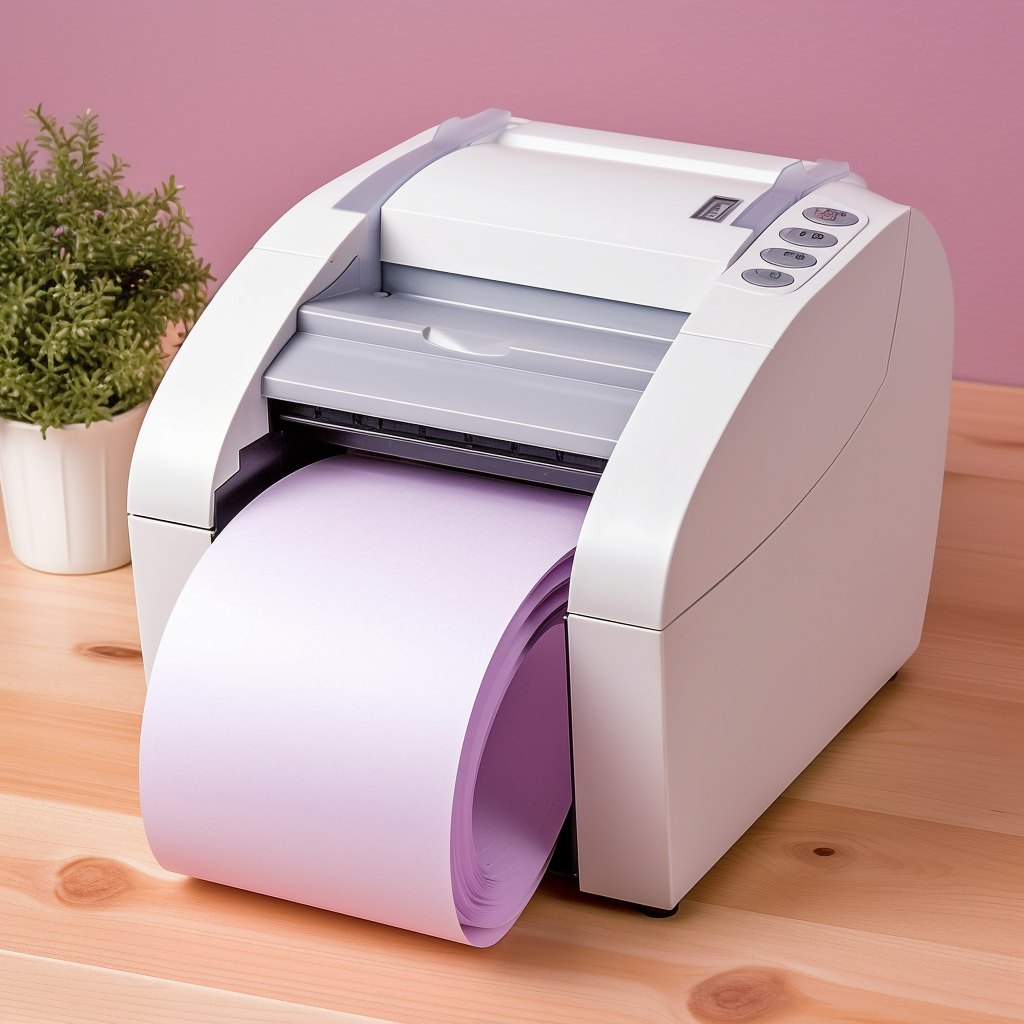
Thermal printers are widely used in receipt printing, label printing and other fields, and the correct placing of paper rolls to thermal printers is an important step to ensure smooth printing. Here are some simple steps and tips to help you properly put a paper roll into a thermal printer:
Prepare the right type of roll: First, make sure you choose a roll that is compatible with your thermal printer. Consult the printer’s user manual or consult the manufacturer for the recommended roll type and specifications.
Open the printer: open the paper cover or paper bin of the thermal printer. Specific opening mode and location may vary according to the printer model, please refer to the user manual or the labeling on the device.
Position the roll holder: Find the holder in the thermal printer. Usually, they are located in a paper roll bin or paper roll slot inside the printer.
Install the roll: Place the roll on the roll holder to ensure that the roll is oriented correctly. Usually, the paper should be rolled upward from the bottom of the paper roll. Make sure the rolls are placed flat and do not bend or fold the paper.
Adjust the roll guide: Adjust the roll guide according to the requirements of the printer to ensure that the paper enters the printer correctly and remains aligned. The roll guide is usually adjustable and can be adjusted to the roll size.
Close the cover or roll bin: Carefully close the cover or roll when the roll is properly placed and the guide is adjusted. Ensure that the lid is completely closed, to ensure the safety of the paper and to avoid its loosening.
Check paper supply: Before starting printing, make sure there are no alarms of paper errors or supply issues in the printer monitor or indicator. Make sure the paper enters the printer properly and there is no sign of blockage or jam.
By following the above steps above, you should be able to properly place the paper roll into the thermal printer. Note that the specific placement steps may vary with the different thermal printer model. Therefore, when using a new printer or encountering difficulties, always refer to the user’s manual of the printer, or contact the printer manufacturer for accurate guidance.
Here are some additional tips to help you better handle paper rolls and thermal printers:
Ensure paper tension: After placing the paper roll, ensure the paper tension to avoid paper loosening or paper clogging during printing. Some printers are equipped with paper tension regulators that you can use to adjust the paper tension.
Avoid overamplification: Make sure not to overenlarge paper rolls when placing them. Overamplified paper rolls may cause uneven paper, affecting printing quality and normal paper feeding.
Check the rolls regularly: Check the volume left regularly to ensure the rolls are replaced before they run exhausted. This avoids interrupting the printing task and maintaining the continuous printing process.
Keep the printer clean: Regularly clean the paper roll path and print head of the thermal printer to remove dust, paper scraps or ink residues. This helps to ensure a smooth paper feed and clear printing results.
Note Storage conditions: If you do not print for a period of time or have multiple paper rolls, make sure to store them in a dry place, avoiding direct sunlight area. Excessive exposure to moisture or light may damage the quality of the paper rolls.
Remember that placing the paper rolls properly onto the thermal printer is a critical step to ensure smooth printing. Follow the right steps and precautions, you will be able to leverage the functionality of the thermal printer and get high quality print results.
Hope that this blog post is helpful to you! All the best with the thermal printer!