
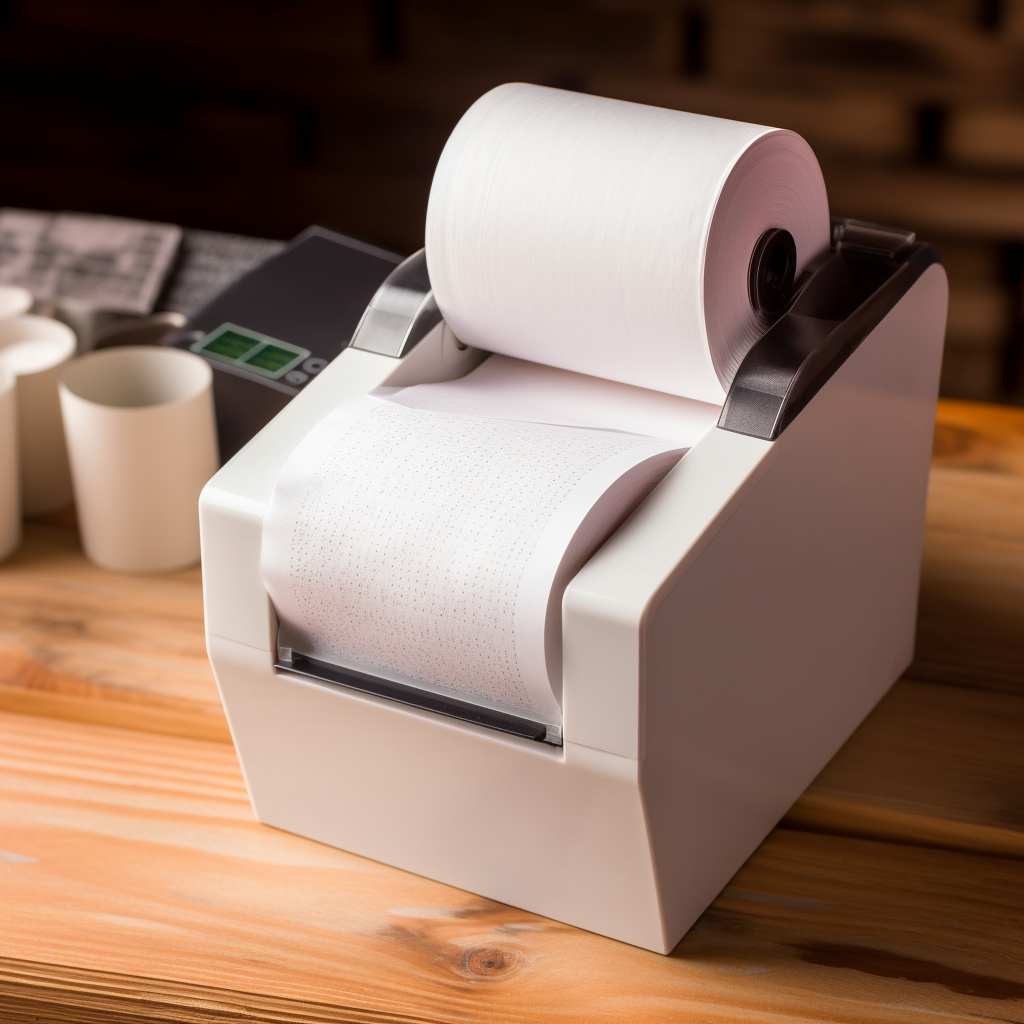
Thermal paper is a special printing material, through the thermal energy conduction to achieve the printing effect. It is widely used in the printing of receipts, labels, bills, and other commercial documents. If you want to print on thermal paper, here are some steps and tips to help you successfully complete the printing task:
Select the applicable printer: Ensure that the printer you choose is compatible with the thermal paper. Most standard thermal printers work properly, but some special types of thermal paper may require a specific printer model. Check the printer instructions or contact the manufacturer for the specifications and types of the printer.
Prepare to print files: Create the document you want to print using the appropriate office software or print application. Ensure that the size and layout of the document match the specifications of the selected thermal paper. As needed, you can add elements like text, images, or barcodes to a print file.
Adjust the print settings: In the print settings, select the appropriate paper type as thermal paper. Usually, you can find this option in the printer settings. Ensure that the correct paper size and direction are selected to ensure printing accuracy and completeness.
Insert thermal paper: correctly insert thermal paper into the printer’s carton or paper feed channel as directed by the printer. Ensure the paper is aligned and avoid bending or folding. If necessary, adjust the paper alignment or loading mode according to the printer requirements.
Printing: Click the print button on the computer or start printing with the relevant options on the printer panel. Ensure that the printer works properly and start the printing process. Depending on the size and complexity of the document, the printing process may take some time.
Wait for printing: Once the printing task is completed, wait for the thermal paper to completely dry. Printed information on thermal paper usually becomes visible in a short time, but make sure they are completely dry to avoid blur or fading.
Store and process the printed files: save or process the printed files as required. You can archive the printed document as an electronic file, or properly store a paper copy in a folder or file box for future reference or record.
There are some additional tips and precautions to help you get better printing results when printing thermal paper:
Avoid multiple printing: Due to the characteristics of thermal paper, printing in the same position multiple times can cause the printing effect to blur or fade. Ensure the required clarity and readability in one print and avoid repeated printing of the same page.
Control the printing speed: Some thermal printers have adjustable printing speed settings. If you find that printing is poor, try reducing the printing speed to improve printing quality and clarity.
Clean the print head: Regularly cleaning the print head can ensure the printing quality and consistency. Depending on the printer model, cleaning can be done using a dedicated print head cleaning kit or following the manufacturer’s cleaning guidelines.
Avoid friction and scraping of thermal paper: thermal paper is relatively fragile and susceptible to friction and scraping. Take care when handling thermal paper to avoid contact with sharp objects to protect the integrity of the printed information.
By following the above steps and techniques, you can successfully print on thermal paper. Keep in mind that different printer models and thermal paper types may have some specific requirements and considerations. Therefore, it is important to consult the relevant printer instructions or consult with the manufacturer before operation to ensure the best printing results. May you complete the printing task smoothly!