
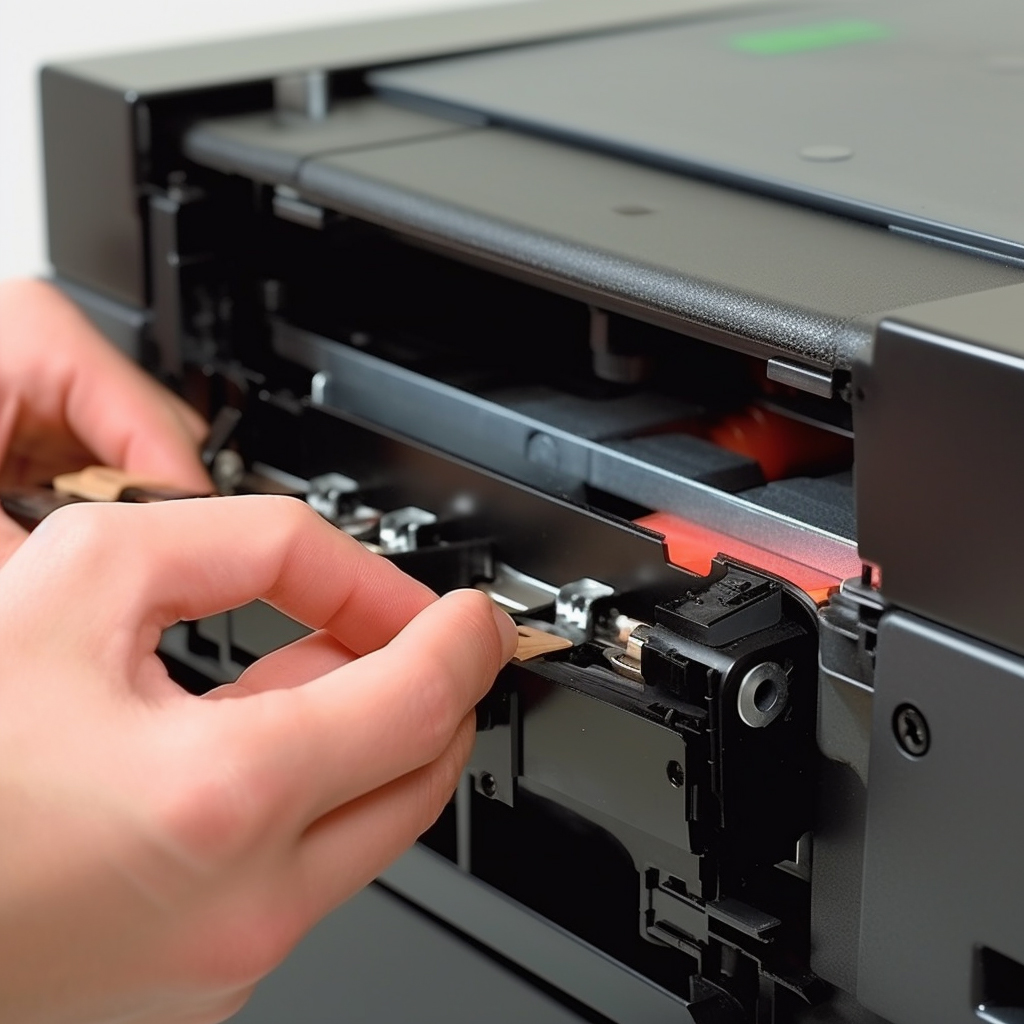
Fargo SmartLoad ribbon cartridges are a popular choice for ID card printers. They are easy to install and remove, making it simple to switch between different ribbon types and colors.
Here’s a step-by-step guide on how to change a Fargo SmartLoad ribbon cartridge:
Step 1: Turn off the printer and unplug it from the power source.
Step 2: Open the printer cover by pressing the release button or lever.
Step 3: Locate the ribbon cartridge and press the release button or lever to unlock it.
Step 4: Gently pull the ribbon cartridge out of the printer.
Step 5: Take the new ribbon cartridge out of its packaging and remove any protective materials.
Step 6: Slide the new ribbon cartridge into the printer, making sure that it clicks into place.
Step 7: Close the printer cover.
Step 8: Plug the printer back in and turn it on.
Step 9: Print a test page to make sure that the new ribbon cartridge is installed correctly.
It’s important to note that different ID card printers may have slightly different procedures for changing a Fargo SmartLoad ribbon cartridge. Always refer to your printer’s manual for specific instructions.
Additionally, it’s essential to purchase the correct type of ribbon cartridge for your printer model to ensure optimal performance and print quality. It’s also recommended to keep spare ribbon cartridges on hand to avoid downtime when the current cartridge runs out of ink.
In conclusion, changing a Fargo SmartLoad ribbon cartridge is a quick and easy process that can help maintain your ID card printer’s performance and print quality. By following these steps and keeping spare cartridges on hand, you can ensure that your printer is always ready to produce high-quality ID cards.