
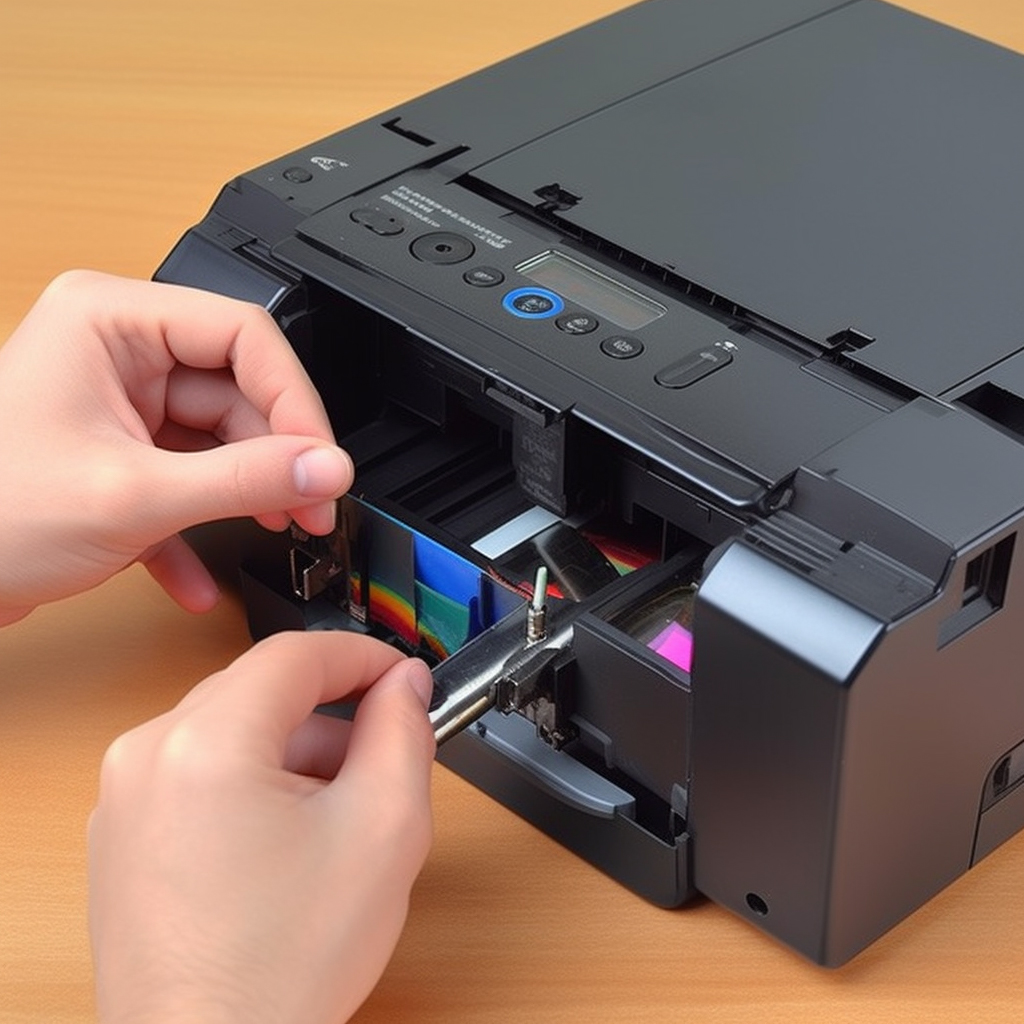
Refilling a ribbon cartridge for a dot matrix printer is a cost-effective way to extend the life of the cartridge and save money on printing costs. Here’s a step-by-step guide on how to refill a ribbon cartridge for a dot matrix printer:
Step 1: Remove the old ribbon cartridge from the printer and carefully unwind the ribbon from the spools.
Step 2: Cut a new ribbon to the same length as the old ribbon, making sure that it is the correct width for your printer.
Step 3: Attach the new ribbon to the empty spools on the cartridge, making sure that it is properly aligned.
Step 4: Wind the ribbon onto the spools, taking care to wind it tightly and evenly.
Step 5: Once the ribbon is fully wound onto the spools, insert the cartridge back into the printer.
Step 6: Run a test print to ensure that the new ribbon is working properly.
It’s important to note that refilling a ribbon cartridge can be messy, so it’s recommended to wear gloves and work in a well-ventilated area. Additionally, it’s essential to use high-quality ribbon material to ensure that the refilled cartridge produces high-quality prints.
In conclusion, refilling a ribbon cartridge for a dot matrix printer is a simple process that can help save money on printing costs. By following these steps and using high-quality ribbon material, anyone can refill their ribbon cartridges and keep their dot matrix printer running smoothly.