
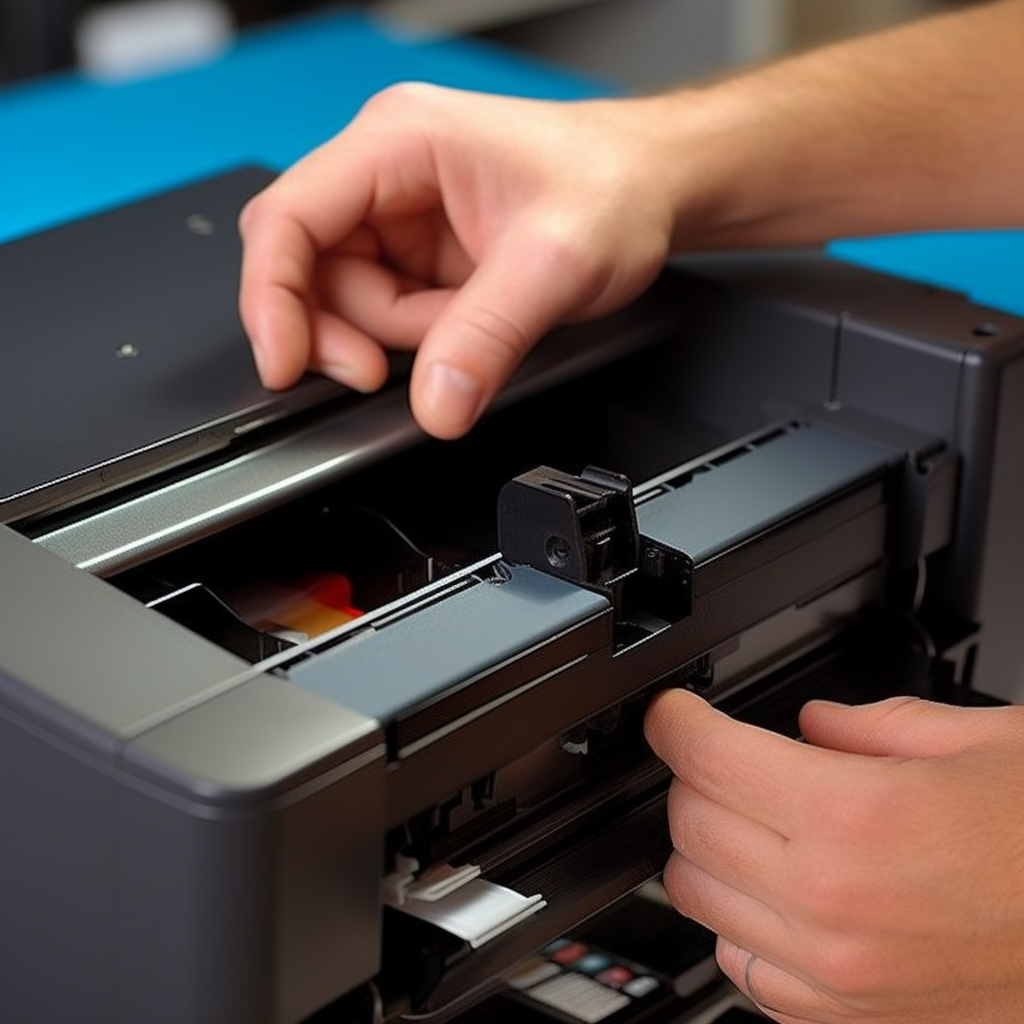
If you just bought an Epson printer and don’t know how to install a ribbon box, don’t worry, the next steps will guide you on how to install a ribbon box in an Epson printer.
Step 1: Confirm if the printer’s ribbon box is suitable
confirm that you have correctly purchased the ribbon box that works for your printer. Usually, this information can be found on the printer or ribbon box box. If you are not sure, you can confirm this by viewing the printer’s user manual.
Step 2: Find the ribbon box in the printer
open the lid of the printer, usually on the top of the printer. Now you can see the card slot with the ribbon box installed in the printer.
Step 3: Install the ribbon
insert the ribbon box into the card slot. Usually this is inserted at an angle and then pressed to fix, making sure it is firmly in the slot. Make sure that you have installed the ribbon properly in the printer.
Step 4: Close the printer box cover and test printing
Finally, confirm the surplus of the ribbon box. During use, you should always check the ribbon box left, and replace the ribbon box in time to ensure that your printing quality is consistent.
In short, these are the simple steps to install the ribbon box. As long as you follow these steps to install the ribbon box correctly, it will be easy and enjoyable to use color printing in the printer.