
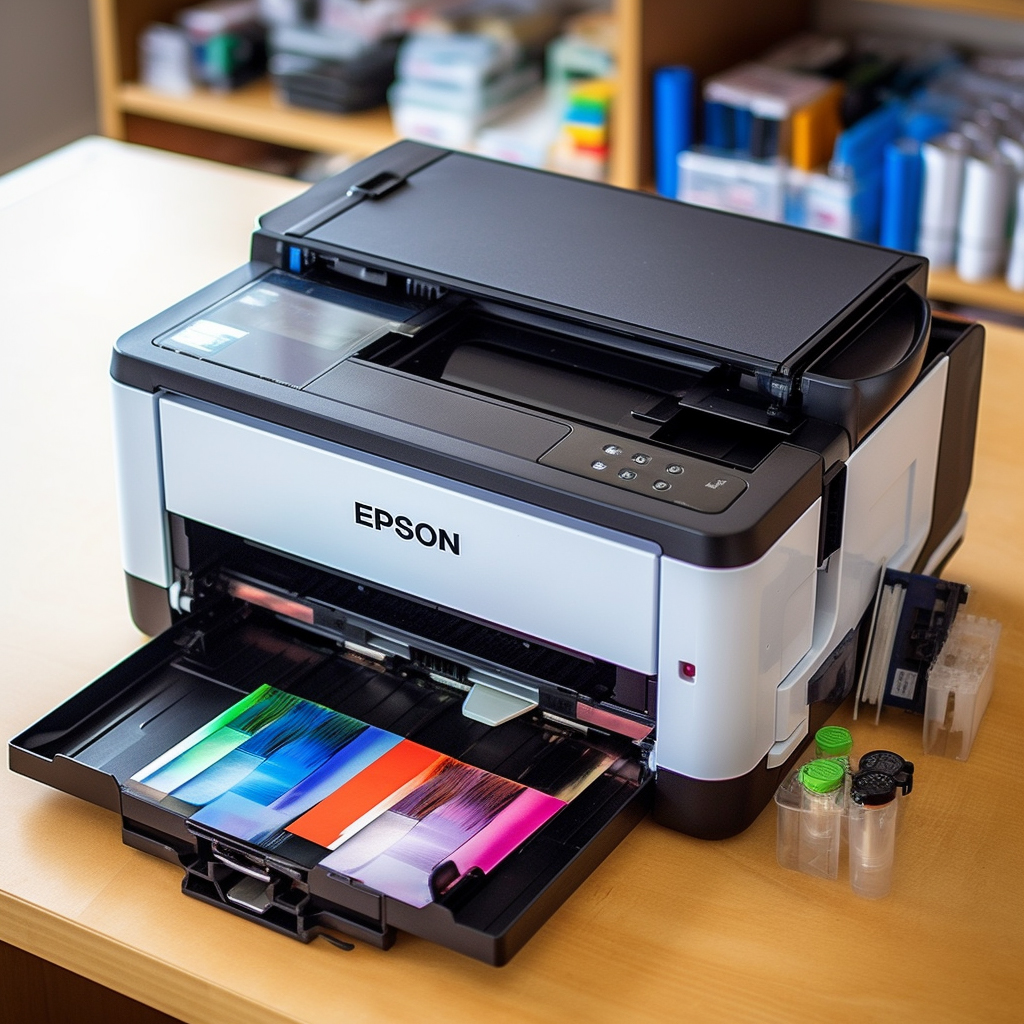
If you need to change the ribbon in the Epson printer, don’t worry. It’s a very easy process. Here is how to change the Epson printer ribbon:
Step 1: Confirm the type of ribbon required
Before changing the ribbon of an Epson printer, you must first determine the desired ribbon type. You can find your ribbon on the Epson official website or electronic store for your printer model and model number.
Step 2:prepare the work
Before changing the Epson printer color tone, make sure you power off and remove the power plug. This ensures your safety and prevents your hands from touching the internal parts of the printer.
Step 3: Open the printer lid
Find your Epson printer lid and open it. Most Epson printers typically have a button or plug that you can find on the printer cover and gently pull away with your hand.
Step 4: Remove the old ribbon
With the printer lid open, you can see the ribbon that needs to be replaced. Gently grab the old ribbon and take it out. Be sure to handle it carefully to avoid being damaged or with aging parts in later environments.
Step 5: Install the new ribbon
After you remove the old ribbon, please install the new ribbon. Place the new ribbon near the inside of the printer and place the ribbon guide back to the working position. Drag it and then press gently until it is in place.
Step 6: Turn off the printer
Check that the new ribbon has been installed. If everything is working properly, please close the printer lid. Plug in the power supply and turn on your Epson printer.
sum up:
Ribbon for replacing the Epson printer is very easy. Follow these simple steps, you can easily replace the ribbon of your Epson printer. If you have any questions or questions, please feel free to contact Epson Technical Support. They will provide you with further help and guidance.